

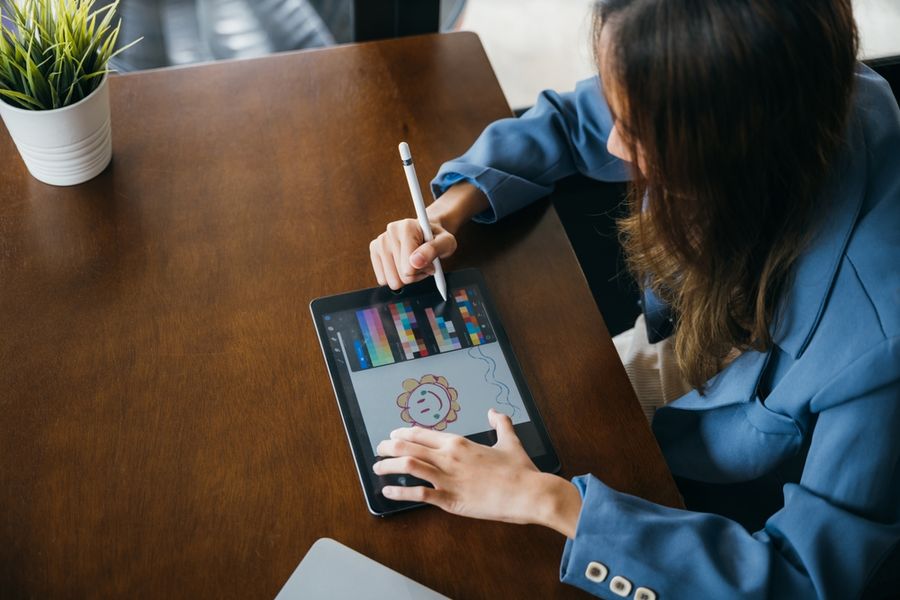
Digital art is a great way to express your creativity, and using the right drawing tablet can make learning much more fun. Whether you are starting from scratch or building up your skills, a tablet that feels good in your hand and works well with your art software can help you improve faster. Understand some of the best drawing tablets for beginners and students alike, with easy-to-read guidance to help you pick the right one.
Why a Good Tablet Matters for Beginners
When you are just learning digital illustration, your tools can change how easily you learn new skills. A tablet with good pressure sensitivity lets you make lines that are thick or thin based on how hard you press, just like drawing with real pencils.
A smooth surface makes controlled strokes feel natural. Also, having a tablet that works well with popular art programs helps you focus on drawing instead of wrestling with settings.
Best All-Around Tablet for Beginners
A popular tablet choice for beginners is one that balances ease of use with strong drawing features. Many artists who are new to digital art find tablets from brands like Wacom ideal because they have a reliable pen and a smooth surface that feels familiar. The Wacom Intuos line includes models that are small and light, making them easy to carry between home, school, or classes.
Beginners like this type of tablet because it connects easily to most computers and works with programs like Clip Studio Paint, Krita, and Adobe Photoshop. The pen does not need batteries and responds well to pressure, which makes it comfortable for long sketch sessions. A tablet like this is a strong starting point for learning lines, shading, and basic digital painting techniques.
Best Display Tablet for Seeing Your Work Directly
For many new artists, drawing directly on the screen feels more natural than looking at a tablet while watching a separate monitor. Display tablets let you place your pen where you want the mark to appear, just like drawing on paper. The XP-Pen Artist series and the Huion Kamvas line are two examples that beginners often prefer for this reason.
These display tablets come in sizes that are big enough to see details without being heavy. The pens are pressure-sensitive and tilt-aware, so shading feels smooth and intuitive. Many models also offer adjustable stands to help you find a good drawing angle. Display tablets make it easier to learn proportions and line control because your hand is right where you are drawing.
Best Tablet for Students Who Want Portability
If you want to learn digital art on the go, a compact tablet that connects to your laptop is a strong choice. Samsung Galaxy Tab S models and Apple iPad versions work well for digital illustration when paired with apps like Procreate or Adobe Fresco. These options let you draw anywhere you want, whether you are in a classroom, commuting, or relaxing at a cafe.
These tablets are light and responsive, and the pens attach magnetically or clip on so they don’t get lost. Many students enjoy drawing while away from their desks because the screens are sharp and color-rich. When you save your sketches to cloud storage, you can keep working across devices. This kind of freedom can make learning more consistent and fun.
Best Tablet for Software Flexibility
Some beginners know they want to use specific art apps or switch between programs as they grow. If software flexibility is important to you, choose a tablet that works with multiple programs on both Windows and macOS. Tablets from Huion, XP-Pen, and Wacom typically offer wide compatibility with drawing software such as Clip Studio Paint, Corel Painter, and Adobe Creative Cloud apps.
Look for tablets that have customizable shortcut keys to save time while you draw. These keys let you switch tools or undo without needing to stop and reach for your keyboard. A tablet with a good driver interface also helps you fine-tune pen pressure and button functions as your style evolves. Tablets like these give you room to explore more advanced techniques as your skills grow.
Helpful Tips for Beginners Choosing a Tablet
Before you buy, think about how you plan to use the tablet. If you want a screen to draw on directly, consider a display tablet. If you prefer to save space and draw on a separate monitor, a classic tablet might be better. Consider the size of the drawing area as well: larger surfaces feel more natural for wide strokes, while smaller ones are easier to carry.
Check that the tablet you choose works with your computer or tablet OS. Many brands provide software that helps you map the pen to your screen. Also, practice with tutorials and exercises that help you get used to digital tools. Learning to draw digitally takes time, so patience and practice are key.
Your Next Step as a Digital Artist
Choosing the right tablet can make learning digital illustration easier and more fun. For many beginners, a reliable tablet with good pen response and software support gives a strong foundation. Display tablets help you draw where you see, while portable tablets let you sketch anywhere.
Whatever your goals, there is a tablet that fits your style and helps you improve with every stroke. With steady practice, you’ll soon be bringing your creative ideas to life in digital form.